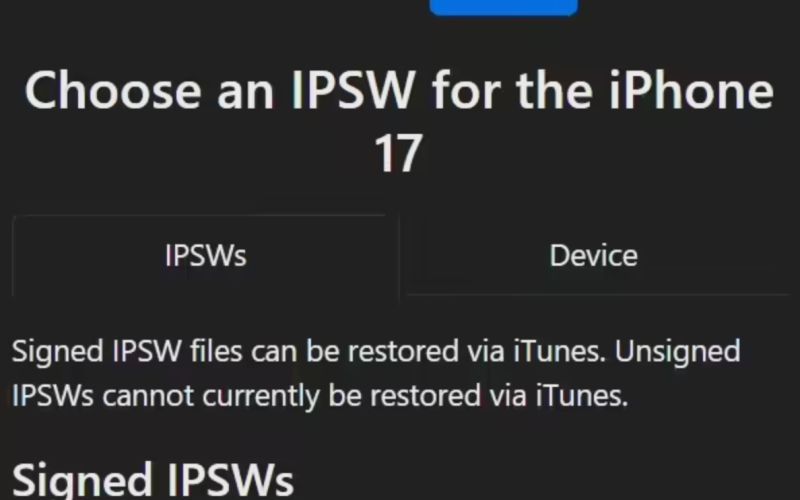


On November 4, Apple released the iOS / iPadOS 26.1 update (internal build number: 23B85) for iPhone and iPad users. This is the first major update since the launch of iOS 26 in September, arriving a little over a month after the previous update.
This update is available for the iPhone 11 series and newer models, as well as the second-generation iPhone SE. Users can download and install it via Settings > General > Software Update.
Note that due to caching configurations on Apple’s regional server nodes, the availability of the update may appear slightly delayed in some areas. Typically this delay should be under half an hour.
Main New Features and Improvements in iOS 26.1
According to Apple’s release notes, iOS 26.1 brings a number of system optimizations and UI enhancements, including:
Liquid Glass Tint Options
A new tint toggle has been added, allowing users to switch between the default transparent look and a new “semi-transparent frosted” appearance. This improves material opacity for apps, the Lock Screen, and notification interfaces.
Alarm and Timer Updates
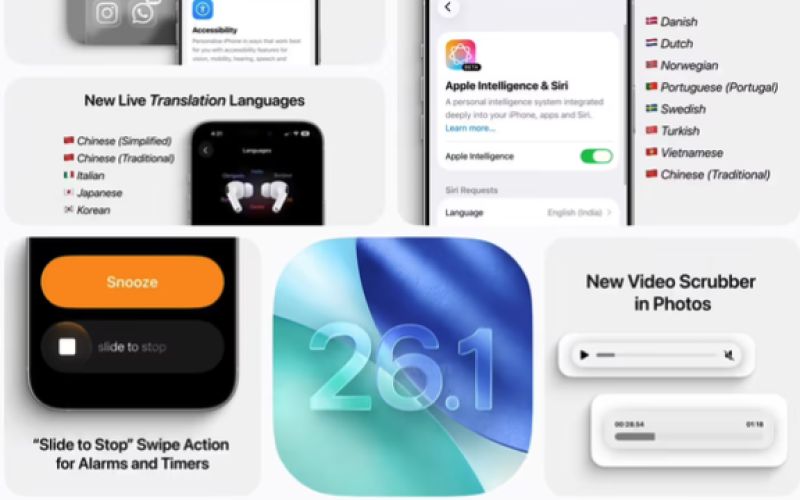
Turning off alarms and timers now requires a swipe gesture, reducing accidental dismissals and improving mis-touch prevention.
Lock Screen Camera Shortcut Controls
A new option has been added in Camera settings to enable or disable “Swipe to open Camera from Lock Screen.”
New Languages for AirPods Live Translation
AirPods Live Translation now supports Simplified Chinese, Traditional Chinese, Japanese, Korean, and Italian (this may not yet be available on mainland China models).
Apple Intelligence Multilingual Expansion
Apple Intelligence now supports more languages, including Traditional Chinese.
Apple Music App Updates
The mini player now supports swipe gestures to skip to the previous or next track.
Supports seamless transitions with Apple Music when casting via AirPlay.
Recording and File Management
When recording via local capture, external USB microphones now support gain control.
Locally captured files can be saved to specific locations.
Enhanced Fitness Features
You can now manually log workout data directly in the Fitness app.
FaceTime Improvements
Audio quality during FaceTime calls has been improved under low-bandwidth network conditions.
Teen Account Protection Settings
For existing child accounts aged 13–17 (age range may vary by country or region), Communication Safety and adult website filtering are now enabled by default.
Additional iPadOS 26.1 Features
Beyond the iOS updates, iPadOS 26.1 also reintroduces the Slide Over multitasking feature, and the Apple Vision Pro app is now available on iPad.
The Slide Over floating split-screen feature was previously removed during the multitasking architecture changes in iPadOS 26, but it has now returned. It can be used alongside iPadOS 26’s windowed multitasking, allowing users to open multiple app windows at once and quickly access a floating app with a swipe. Currently, the system only supports displaying one Slide Over app at a time. Users can enable it by clicking the green resize button in the upper-left corner of a window and selecting Enter Slide Over.
The feature also supports resizable floating windows, letting users adjust the size and aspect ratio as needed, and easily hide the floating window off the edge of the screen when not in use.
The above content is compiled by ModeZone, a fashion and entertainment magazine.