

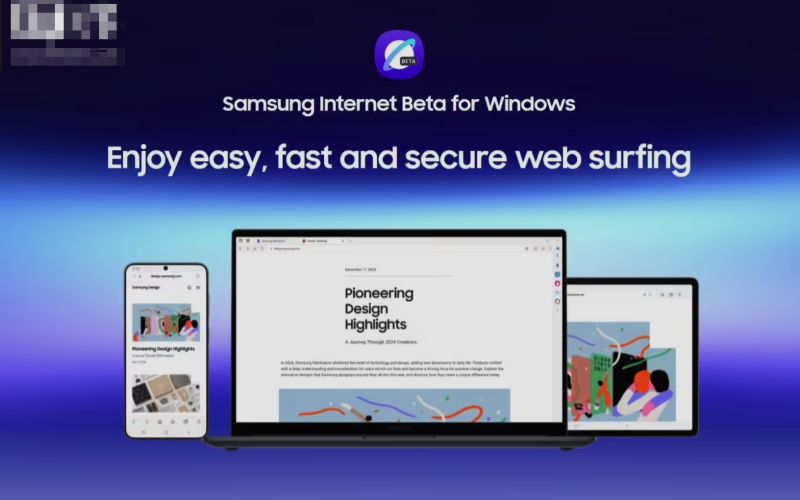
Samsung has officially launched a beta version of its Samsung Internet browser for Windows PCs, marking its return to the desktop browser market after a brief 2023 release. Currently available to users in the U.S. and South Korea, the beta version is expected to expand globally in the near future, according to The Verge.
🖥️ Samsung Internet Browser for Windows 10 and 11
The Samsung Internet browser for Windows is compatible with both Windows 10 (version 1809 and above) and Windows 11. It supports x86 and ARM-based devices, including Galaxy Book laptops. Users can download the browser from the Microsoft Store. The Verge.
🔄 Cross-Device Synchronisation
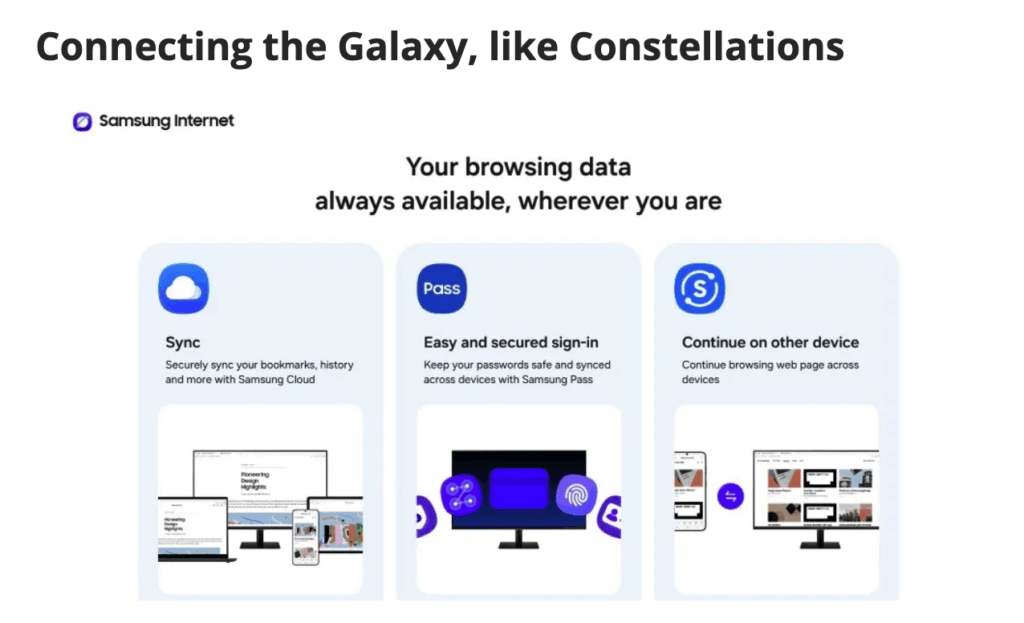
One of the standout features of the Samsung Internet browser is its seamless cross-device synchronisation. By signing into a Samsung account, users can sync bookmarks, browsing history, and passwords across their Samsung devices, including smartphones, tablets, and now Windows PCs.
🤖 Galaxy AI Integration
The browser integrates Galaxy AI to enhance the user experience. Features include:
- Browsing Assist: Summarises webpage content and provides real-time translations.
- Smart Anti-Tracking: Blocks third-party trackers and pop-ups to protect user privacy.
- Privacy Dashboard: Allows users to monitor and manage tracking attempts in real-time.
These AI-driven tools aim to provide a more intuitive and secure browsing experience, as seen on Cinco Días.
🌙 Enhanced Browsing Features
The Windows version of Samsung Internet offers several enhanced browsing features:
- Adaptive Dark Mode: Automatically adjusts the browser's theme based on system settings.
- Split View: Enables users to view two webpages side by side for multitasking.
- Chrome Extension Support: Allows users to install and use extensions from the Chrome Web Store.
- One UI-inspired Design: Provides a user interface consistent with Samsung's mobile devices, ensuring a cohesive experience across platforms.
🔐 Privacy and Security
Samsung Internet for Windows prioritises user privacy and security:
- Samsung Knox Integration: Utilises Samsung's security platform to protect user data.
- Secret Mode: Enables private browsing without leaving traces.
- Content Blockers: Supports third-party content blockers to reduce distractions and enhance security. Cinco Días.
📥 How to Join the Beta Program
To participate in the Samsung Internet browser beta for Windows:
- Open the Microsoft Store on your Windows PC.
- Search for "Samsung Internet Browser."
- Click "Join Beta" to enrol in the program.
Please note that the beta is currently available to users in the U.S. and South Korea, with plans for global expansion, as reported by The Verge.
Samsung's move to bring its Internet browser to Windows PCs reflects its commitment to providing a seamless and secure browsing experience across devices. With features such as cross-device synchronisation, Galaxy AI integration, and enhanced privacy tools, Samsung Internet aims to be a strong contender in the desktop browser market.
The above content is compiled by ModeZone, a fashion and entertainment magazine.