

Apple macOS operating system
How to upgrade iOS / iPadOS / watchOS / macOS developer and public beta versions
- Public beta: Enroll in the Apple Beta Software Program, then go to Settings > General > Software Update > Beta Updates to install.
- Developer preview: Sign in and enroll in the Apple Developer Program, then go to Settings > General > Software Update to install the developer beta.
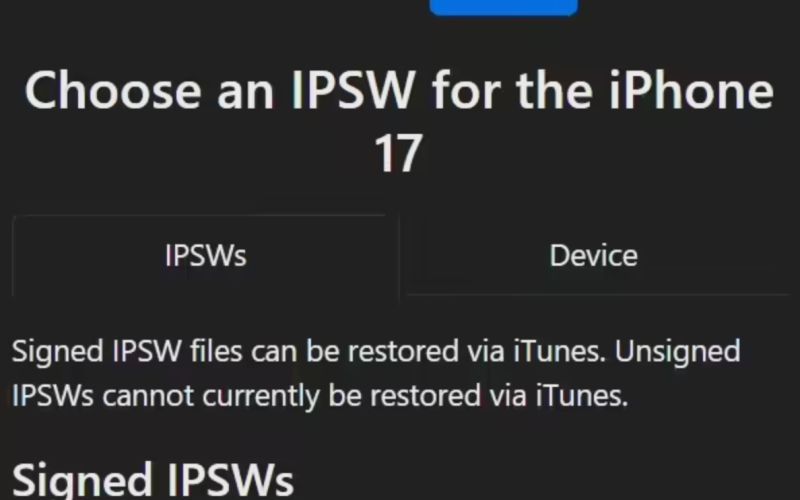
Attached is a full firmware/update log reference for iOS / iPadOS / macOS (as provided).
Release history for macOS 26
- 2025‑11‑04: macOS 26.1 (25B78)
- 2025‑10‑29: macOS 26.1 RC (25B77)
- 2025‑10‑21: macOS 26.1 Beta 4 (25B5072a)
- 2025‑10‑14: macOS 26.1 Beta 3 (25B5062e)
- 2025‑10‑07: macOS 26.1 Beta 2 (25B5057f)
- 2025‑09‑30: macOS 26.0.1 (25A362)
- 2025‑09‑23: macOS 26.1 Beta (25B5042k)
- 2025‑09‑16: macOS 26 (25A354)
- 2025‑09‑10: macOS 26 RC (25A353)
- 2025‑09‑03: macOS 26 Beta 9 (25A5351b)
- 2025‑08‑26: macOS 26 Beta 8 (25A5349a)
- 2025‑08‑19: macOS 26 Beta 7 (25A5346a)
- 2025‑08‑12: macOS 26 Beta 6 (25A5338b)
- 2025‑08‑06: macOS 26 Beta 5 (25A5327h)
- 2025‑07‑23: macOS 26 Beta 4 (25A5316i)
- 2025‑07‑08: macOS 26 Beta 3 (25A5306g)
- 2025‑06‑24: macOS 26 Beta 2 (25A5295e)
• • 2025‑06‑10: macOS 26 Beta (25A5279m)
The above content is compiled by ModeZone, a fashion and entertainment magazine.